Trying to send a large file—like a video, design file, or high-quality image—can quickly become frustrating.
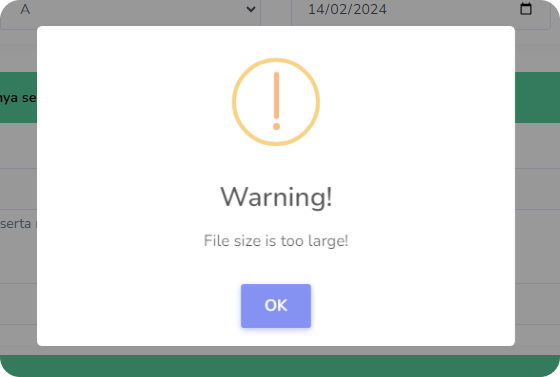
You try email → file too large
You compress it → quality drops
You send it anyway → fails to upload
The problem is not the file—it’s the method.
👉 The key is knowing how to send large files properly without reducing quality
This guide will show you the best ways to do that, depending on your situation.
Why Large Files Are Hard to Send
Most platforms limit file size:
- Email: ~25MB limit
- Messaging apps: compress files automatically
- Some platforms reduce quality to save bandwidth
This leads to:
- Blurry images
- Lower video quality
- Failed uploads
Method 1: Use Cloud Storage (Best Overall)
This is the simplest and most reliable method.
How it works:
- Upload file to:
- Google Drive
- Dropbox
- OneDrive
- Generate share link
- Send the link instead of the file
Why it’s good:
- No quality loss
- No size limit (depending on storage plan)
- Easy to share
👉 This is the most recommended method.
Method 2: Use File Transfer Services
There are platforms built specifically for sending large files.
Popular options:
- WeTransfer
- Send Anywhere
- Smash
How it works:
- Upload file
- Get download link
- Share link
Benefits:
- Fast
- No account required (some platforms)
- Designed for large files
👉 Great for quick sharing.
Method 3: Compress Files (Without Quality Loss)
Compression helps reduce file size.
But:
👉 Use ZIP, not lossy compression
Why ZIP works:
- Keeps original quality
- Bundles multiple files
- Reduces size slightly
When to use:
- Sending folders
- Organizing files
- Slight size reduction
Method 4: Use External Storage (Offline Transfer)
For very large files:
- USB drive
- External hard drive
Best for:
- No internet
- Huge files (videos, backups)
Pros:
- Fast
- No upload/download needed
Cons:
- Requires physical transfer
Method 5: Use AirDrop / Nearby Sharing
For nearby devices:
- AirDrop (Apple)
- Nearby Share (Android/Windows)
Benefits:
- Very fast
- No internet needed
- No quality loss
👉 Best for quick local transfers.
Method 6: Use Email (Only for Small Files)
Email is limited.
Use only if:
- File is small
- Document-based
👉 Avoid using email for large media files.
How to Choose the Right Method
Quick guide:
- Large file + internet → Cloud storage
- Fast sharing → File transfer services
- Offline → USB / external drive
- Nearby → AirDrop / Nearby Share
- Small files → Email
Tips to Keep File Quality
- Avoid sending via messaging apps (they compress files)
- Use original file formats
- Avoid unnecessary re-encoding
- Use ZIP instead of converting formats
- Always preview after sending
Common Mistakes to Avoid
- Compressing files with quality loss
- Using messaging apps for large media
- Sending files directly via email
- Interrupting uploads
- Using unreliable platforms
Pro Tip: Use Links Instead of Files
Instead of sending files:
👉 Always send a download link
Benefits:
- Faster
- Cleaner
- No size issues
- Better for professional use
Final Thoughts
Sending large files doesn’t have to be complicated. By using the right tools—like cloud storage, file transfer services, or local sharing—you can send files quickly without sacrificing quality.
Once you understand which method to use in each situation, you’ll never struggle with file size limits again.
Related