Account hacks happen every day.
Email accounts, social media, cloud storage, banking logins—nothing is immune if your security habits are weak.
And many people assume:
👉 “It won’t happen to me.”
Until one day they lose access to:
The good news:
👉 Most account hacks are preventable with simple habits.
This guide will show you how to protect your online accounts properly.
Most hacks happen because of:
Hackers often don’t “hack” in a dramatic way—
👉 They simply exploit poor security habits.
Never reuse the same password across accounts.
Why?
If one site is breached:
👉 Hackers try that password everywhere else.
Best practice:
2FA adds a second layer of protection.
Even if someone gets your password:
👉 They still need your second verification step.
Use 2FA for:
Your email is often:
👉 The key to all other accounts
If someone controls your email, they can reset many passwords.
Treat email as your highest-priority account.
Password managers help you:
Popular options:
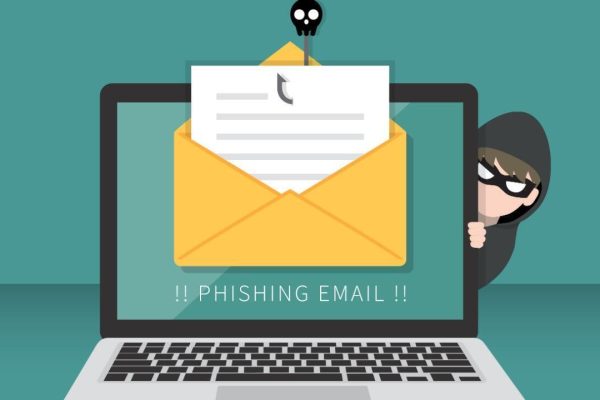
Never trust unexpected messages asking you to:
Always verify first.
Use breach notification tools to know if your credentials were leaked.
If an account is breached:
👉 Change password immediately.
Make sure recovery options are secure:
Check account security settings for:
Remove:
Outdated software can create vulnerabilities.
Keep updated:
Public WiFi can increase risk.
Avoid logging into sensitive accounts unless:
If you want better protection today:
Protecting your online accounts does not require advanced technical skills—just better habits.
Most hacks happen because of preventable mistakes, not sophisticated attacks.
By strengthening your passwords, enabling two-factor authentication, and staying alert to phishing attempts, you can dramatically reduce your risk.
Good security is mostly consistency.
Subscribe now to keep reading and get access to the full archive.